Return to Uzone News Portal

Servers are now the backbone of organizations and businesses today. All your valuable data—customer details, financial records—are stored on them. That is why hackers target servers too, sadly. That is why server security is not an option anymore, but a necessity.
To help you secure your data, below are 7 best practices on server security that you can follow today.
Use Strong and Distinctive Passwords
Hackers’ first preference is weak passwords. Always create passwords with a combination of capital and lowercase letters, numbers, and special characters. Have distinctive passwords for distinctive accounts. Even better, use a password manager to keep them securely and in order.
Transition: With the strong passwords, the second is to enable another protective layer.
Activate Two-Factor Authentication (2FA)
2FA provides an extra layer of protection. Even if a thief acquires your password, he will also need the second authentication code. Use app-based or hardware token authentication, which are usually more secure than SMS-based methods.
Transition: But safeguarding against logins isn’t enough—the system itself must be safeguarded as well.

Update Software and Operating System Regularly
Security updates and patches are used to repair loopholes that hackers can attack. Therefore, update your server at all times. Never delay updates, as each delay of time increases the likelihood of the breach.
Transition: Now that the system has been updated, it’s now time to address the network side security.
Activate Firewall and Intrusion Detection System (IDS)
A firewall is the first defense against letting in unwanted access, and an IDS alerts you when it detects unusual activity. These products combined can detect and block attacks before they become significant.
Transition: Beyond protecting the network, managing user access is also required.
Restrict User Privileges
Not everyone needs full access to the server. Apply the least privilege principle: provide them with only the level of permission they need for each user role. In this way, even if one account is hacked into, the damage will be contained.
Transition: Naturally, no matter how much protection there is, ultimately worst-case scenarios must be considered.
Back Up Data Regularly
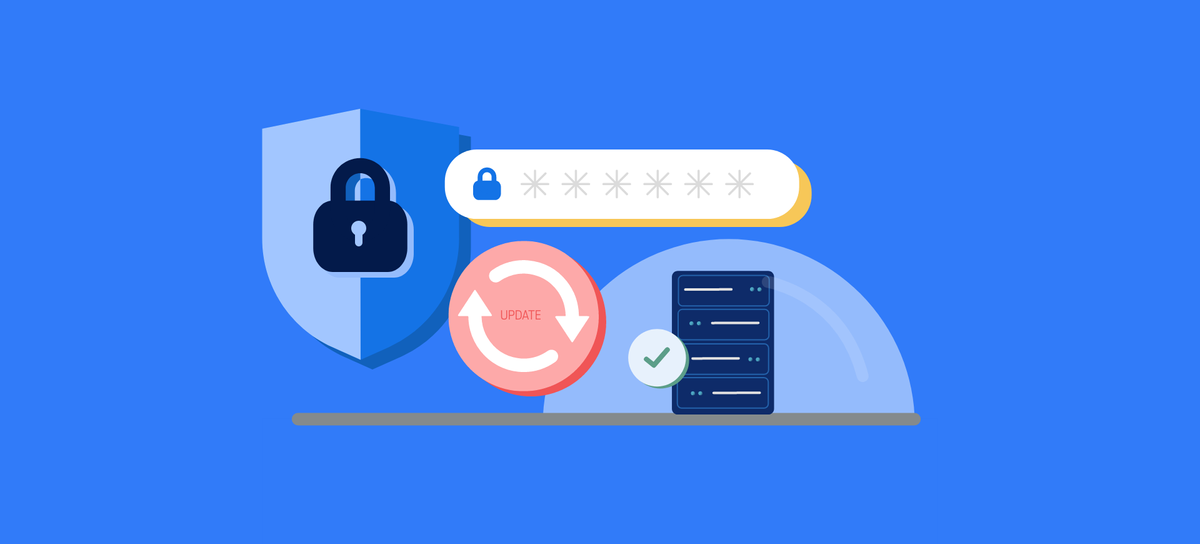
No system is 100% immune to attacks. That’s why regular data backups are essential. Store copies of your data in multiple locations—both on-site and in the cloud—so you’ll always have a safe recovery option in case the main server fails.
Transition: Finally, server protection would not be complete without continuous monitoring.
Monitor Server Activity in Real Time
Real-time tracking allows you to hear about suspicious activity before it is an issue. Use software to notify automatic failed login attempts, abnormally high traffic count, or suspicious file alteration within the system.
Conclusion
Server security is not just technology, but also an issue of attitude on the part of responsible management. By adopting these 7 best practices—secure passwords, 2FA, system updates, firewalls, restricted access, backups, to real-time monitoring—you can take a giant step towards reducing the risk of data breaches and hacker attacks.
Remember, your server protection is also your reputation protection and customer trust protection.